
The results of a full-text search or an advanced search are displayed in an organized list, with the selected resource shown on the right. The first result is selected automatically; click another one to view its details.
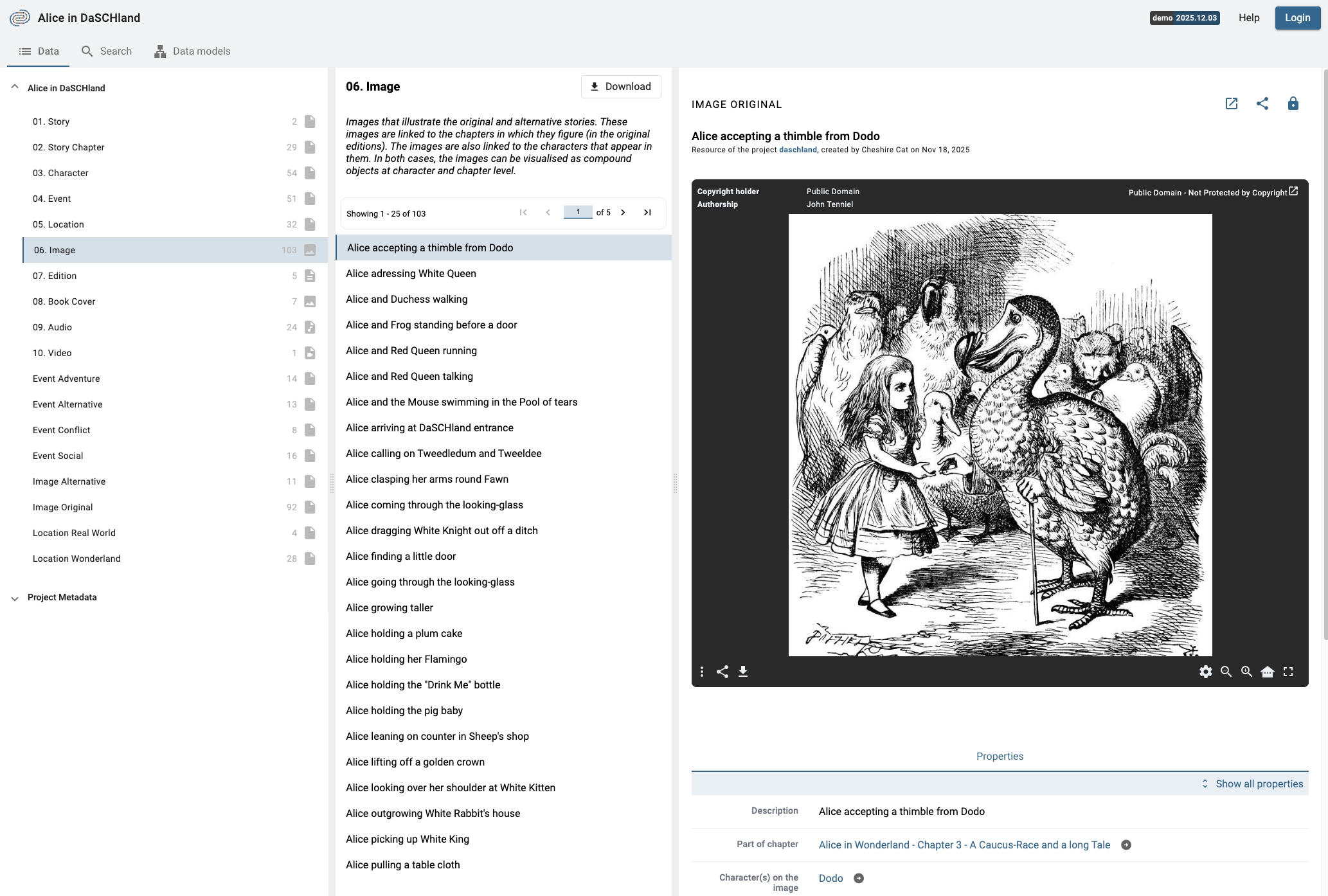
Search results displayed as a list. You can browse through the results and select one to view its details.
Each result shows its label, its resource class, and where the search term was found. In a search across all projects, the project of each result is shown as well.
To compare resources, tick the checkbox that appears when you hover over a result: the selected resources are displayed side by side, up to 6 at a time.
Note: It is not possible to sort or order by criteria when searching with the full-text search, use the advanced search instead to get back sorted results.